 PaperLab
Read and highlight
Highlight, and the note stays put
Select a passage, pick one of five colours, write a note. Every note keeps the page and position it came from, so one click takes you back to it.
More about read and highlight →
Free and open source · runs on your computer
PaperLab is a research reader that runs on your own machine. Highlight a passage and the note stays attached to it. Ask a paper a question and the answer shows exactly where it came from.
macOS, Windows and Linux · needs Docker Desktop · reading and notes work without any AI model
Every tool in PaperLab ends in something you keep, with a trail back to where it came from.
Read and highlight
Select a passage, pick one of five colours, write a note. Every note keeps the page and position it came from, so one click takes you back to it.
More about read and highlight →Ask a paper
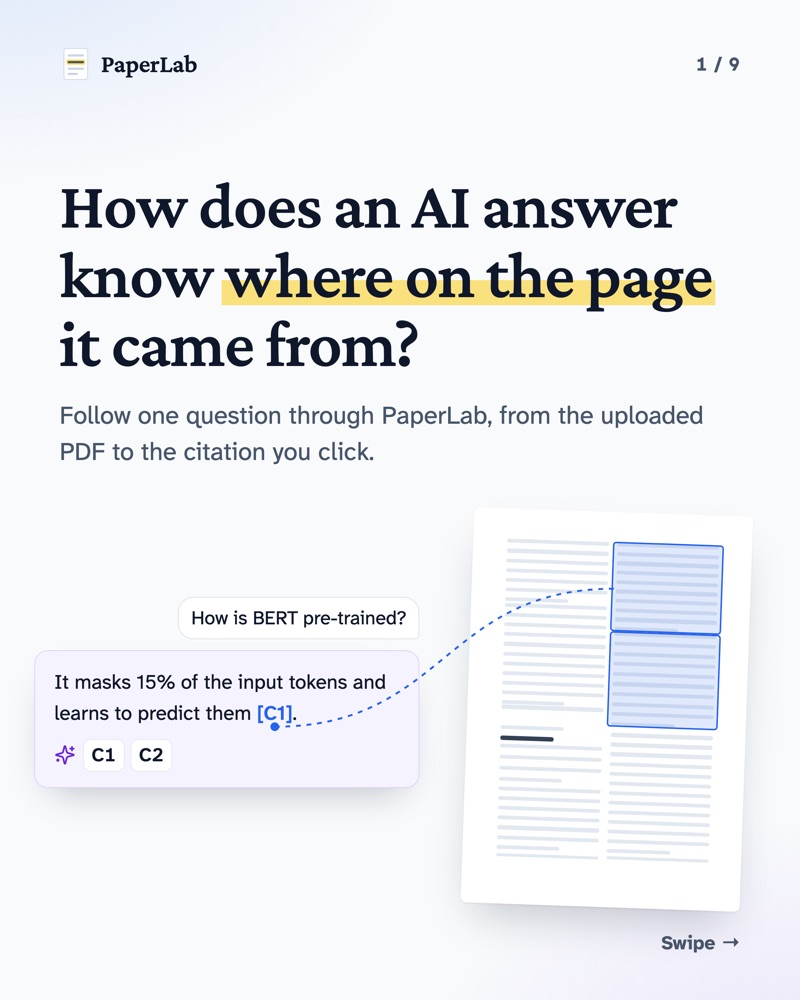
Ask a question and the answer cites the passages it used, like [C1]. Click one and the paper scrolls to that passage and flashes it. Keep the useful part as a note, marked AI.
More about ask a paper →![An AI answer citing [C1] and [C2]; hovering [C1] shows its page and section, and a line leads to that passage on the page.](/PaperLab/shots/feature-ask-a-paper-dark.webp)
Connect papers
A graph of what cites what, shared authors and topics, notes that span two papers, and papers that simply read alike. In 2D, 3D, a matrix, a timeline or rings.
More about connect papers →
Built for people who have to trust their sources, and show their supervisor where a claim came from.
Your papers stay on your machine
One user, one computer, no accounts. With a local model through Ollama, the text of your papers never leaves it. Cloud models are tagged “Cloud”, and the README lists what each setting sends and where.
How it works →AI is always labelled
What a model wrote is stored apart from what you wrote, with the model and prompt behind it. Edit an AI note and it says “AI · edited”, never “You”.
How it works →No paywall tricks
PaperLab finds free copies on arXiv, repositories and open-access publishers. When there is none, it links to the publisher and stops there.
How it works →Works with Claude
PaperLab ships an MCP server. Connect Claude Desktop, Claude Code or another MCP client, and it can work with your library the way you do, while everything it writes stays marked AI.
For chat inside PaperLab, pick any model per question: a local Ollama model, Anthropic with your key, or any OpenAI-compatible server.
Four tools, one library
search_librarysearches your papers and notesget_paperreads a paper’s details, outline and notesrelated_papersfinds the papers connected to onecreate_notesaves a note on a passage it quotes, marked AIPractical answers to what researchers ask most, whichever tools you use.
Anyone whose work depends on reading papers carefully, and showing where a claim came from.
Who builds this
I'm Malek. I started PaperLab on my way to a PhD because I wanted to read papers properly, where every note stays attached to its passage and every answer can be checked against the page. It didn't exist, so I built it, and I work on it every day.
Every week the PaperLab page on LinkedIn breaks down how one feature works: how a paper becomes searchable chunks, how a cited answer is put together, how to keep AI text honest. Follow along, and tell me where it breaks on your papers.
PaperLab is free, open source and built by one person. A star helps other researchers find it and puts each new release in your GitHub feed. The PaperLab page on LinkedIn posts a weekly breakdown of how one feature works.